Learn more in our complete guide: Explore all Relief & Self-Care sciatica resources →
Medical Disclaimer
Ergonomic Changes for Sciatica: Set Up Your Workspace and Environment
Key Takeaways
- Ergonomic improvements to your workstation, car, and home can significantly reduce daily sciatica pain.
- Proper chair setup, lumbar support, and monitor position are the foundation of a sciatica-friendly workstation.
- Even small ergonomic changes — like using a lumbar cushion or adjusting chair height — can yield significant relief.
- Movement breaks are the single most important ergonomic intervention for desk workers.
Your physical environment has a profound effect on your sciatica. Hours spent at an improperly set up desk, an ill-fitting car seat, or a mattress that doesn't support spinal alignment can perpetuate sciatic nerve irritation throughout the day and night. Making thoughtful ergonomic modifications to your key environments is a practical, empowering way to reduce daily pain without medications.
Workstation Ergonomics for Sciatica
Chair Setup
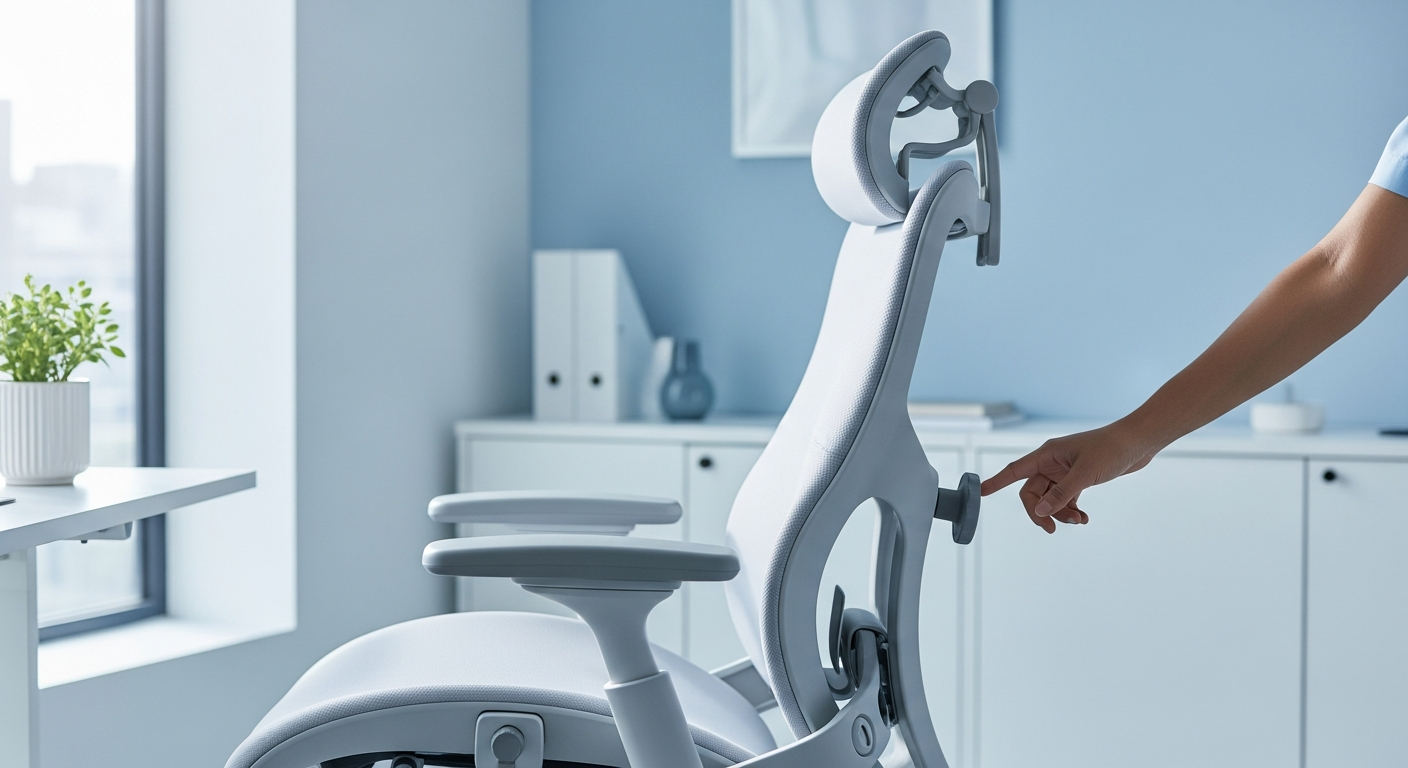
Your chair is the foundation of your seated workstation. Optimal setup:
- Seat height: Adjust so your feet rest flat on the floor and your knees are at 90° or slightly lower than your hips. Use a footrest if needed.
- Seat depth: Leave 2-3 finger widths between the back of your knees and the seat edge to avoid pressure on the back of the thighs.
- Lumbar support: Adjust the lumbar support to fill the natural inward curve of your lower back. If your chair lacks adjustable lumbar support, add a lumbar cushion or roll a towel and place it at the small of your back.
- Armrests: Set at a height where your shoulders are relaxed (not shrugged) and your forearms rest comfortably. Armrests that are too high force the shoulders up; too low causes slumping.
- Recline: A slight backward recline of the seat back (100-110°) reduces lumbar disc pressure compared to sitting perfectly upright.
Monitor Position
Your monitor should be at arm's length away and at a height where the top of the screen is at or just below eye level. This prevents the forward head posture that increases stress throughout the entire spine. If you use bifocals, you may need the screen slightly lower.
Keyboard and Mouse
Keep keyboard and mouse at a height where your elbows are at approximately 90°, with forearms roughly parallel to the floor. Keep them close to your body to avoid reaching forward, which rounds the upper back and increases lumbar stress.
Sit-Stand Desk
A height-adjustable desk is one of the most effective ergonomic investments for desk workers with sciatica. Aim to alternate sitting and standing every 30-60 minutes. When standing, position the desk at elbow height. Use an anti-fatigue mat to reduce fatigue during standing periods. Wear supportive footwear.
Car Ergonomics for Sciatica
Long drives are notorious for aggravating sciatica. Optimize your car setup:
- Position the seat close enough to the pedals that your knees maintain a slight bend — never fully extended.
- Tilt the seatback to approximately 100-110° — slightly reclined is generally better for the lumbar spine than upright.
- Add a lumbar support cushion between your lower back and the car seat.
- Ensure your head restraint supports the back of your head without pushing it forward.
- On long drives, stop every 45-60 minutes to walk for 5-10 minutes.
- Remove bulky wallets from back pockets while driving — this creates an uneven sitting surface that tilts the pelvis and compresses the piriformis.
Home Environment
Mattress and Sleeping Setup
Research supports a medium-firm mattress for people with back pain. If your mattress is too soft, a mattress topper or a plywood board placed under the mattress can add firmness. Use the sleep positioning strategies outlined in our self-management article (pillow between knees when side sleeping, under knees when back sleeping).
Sofa/Couch Setup
Sofas are often ergonomically problematic — they tend to be too low and too soft. When sitting on a sofa, use a lumbar cushion and consider a firmer throw pillow to sit on if the sofa is very soft. Avoid extended periods half-lying on a sofa, as this creates asymmetrical spinal loading. Try to sit upright rather than reclined when watching TV for extended periods.
Kitchen and Household Tasks
Adjust counter heights where possible. Use a step stool to bring higher items within reach rather than reaching overhead (which can extend the lumbar spine). When doing low tasks (gardening, cleaning), kneel or squat rather than bending at the waist.
When to Seek Medical Care
Ergonomic changes help manage symptoms but don't address the underlying nerve compression. If sciatica persists despite ergonomic improvements, see a healthcare provider for comprehensive evaluation and treatment planning.
Medically reviewed for accuracy. Last updated: March 2026.
Frequently Asked Questions
Related Articles
Recommended Next Steps
Understanding treatment pathways can help guide your relief decisions.